You have the keys to your new home, but the alarm keypad is still a mystery. There may be sensors on the doors, a panel in a closet, and an app account belonging to the previous owner.
Before replacing everything or assuming the system is protecting you, find out what is installed and what is actually active. This checklist is a useful starting point for new homeowners in St. Augustine, St. Johns County, and surrounding Northeast Florida communities.
What should you do with an existing alarm system in a house you just bought?
Identify the equipment, confirm whether monitoring is active, arrange authorized control of the account, and have the system checked before relying on it. Update user access and emergency contacts with your provider. Existing equipment may be reusable, but a working keypad alone does not prove the system is monitored.
1. Identify the system without taking it apart
Look for a manufacturer name or model number on the keypad, paperwork, or accessible labels. Photograph the keypad and any visible trouble messages so a provider can help identify them. Leave sealed equipment and wiring to a qualified technician.
Make a simple inventory: door and window sensors, motion detectors, cameras, keypads, smart locks, and any connected smoke or other life-safety devices. Keep model information and account details private rather than posting them publicly.
2. Find out whether monitoring is active
A lit keypad, an alarm company sticker, or a sounding siren does not establish that a monitoring center is receiving signals. Ask the seller or agent for the provider’s contact information and any available system records.
Contact the provider through a verified number. Ask what steps are required to establish your own service and demonstrate authorized ownership or occupancy. Do not assume the seller’s subscription, app access, or contract automatically transfers with the property.
If you want another provider, our article about switching alarm monitoring companies explains the compatibility questions to ask.
3. Establish your own account and user access
Work with the provider to make sure the system belongs under your authorized account. Review:
- App ownership and authorized app users.
- Alarm user codes and any temporary access.
- Emergency contacts and the correct property address.
- Any verbal verification information used by the monitoring service.
- Connected cameras, locks, and other devices that may have separate accounts.
Do not rely on a code left on a sticky note. Ask how to remove previous access and create appropriate credentials for your household. Let the provider guide any reset: a factory reset can remove programming or complicate reuse.
4. Arrange a coordinated system check
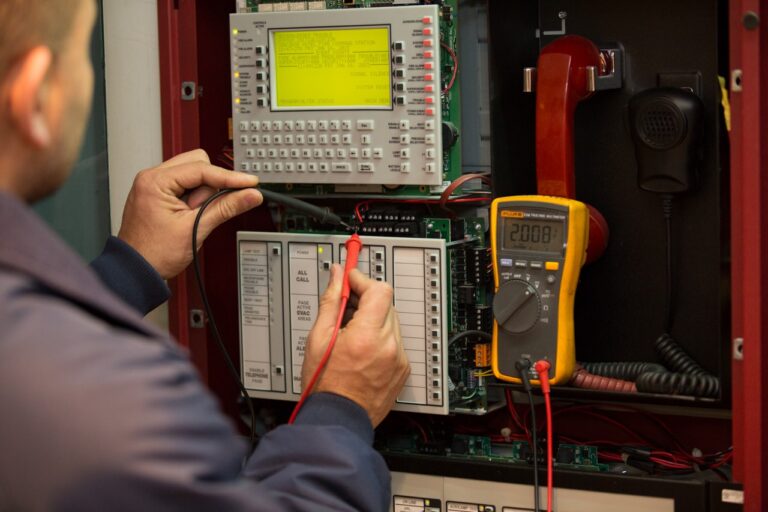
Ask for a review of sensor operation, trouble conditions, batteries, communication hardware, and the system’s ability to transmit the signals included in your plan. Testing should follow the provider’s instructions and be coordinated with the monitoring center when applicable.
Do not deliberately trigger an alarm to see whether police arrive. Learn the proper test procedure, and do not disconnect unfamiliar smoke or fire equipment. A security system assessment also does not replace a separate review of your home’s life-safety needs.
VKA’s security system maintenance services are a starting point if you need help understanding equipment condition or trouble messages.
5. Decide what to keep, update, or add
Some inherited systems can be put back into service with limited changes. Others need updated communication equipment, repairs, or replacement. The answer depends on the hardware, its condition, access restrictions, and the features you want.
Explain how you plan to use the home. Do you want remote access while commuting to Jacksonville? Will a family member or house sitter need occasional access? Are you moving in full time or using the property seasonally? Those details help shape a sensible plan.
Compare your priorities with our guide to choosing a home security system. You can also review what affects equipment, installation, and monitoring costs before requesting a proposal.
6. Review the physical keys, too
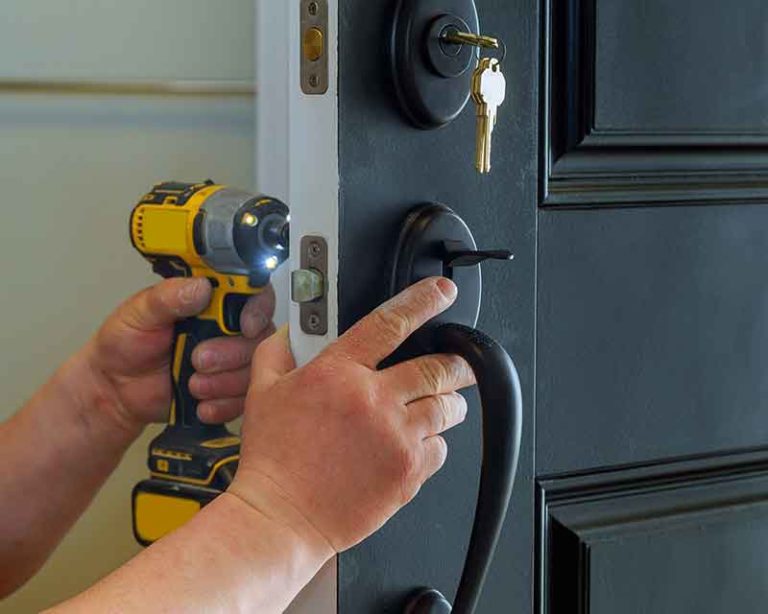
Alarm account access and physical door access are separate issues. If you do not know who has copies of the keys, discuss your options with a locksmith. VKA provides locksmith services alongside electronic security, so both parts can be considered in your move-in plan.
Common questions about inherited alarms
Can I use the alarm without the previous owner’s code?
An authorized provider may be able to help after checking the system and verifying your authority. The procedure varies by equipment and account restrictions. Avoid guessing codes or following an unrelated reset video.
Do I have to replace an old alarm system?
Not automatically. Have its condition, compatibility, and communication options reviewed before deciding. Age alone does not tell you which components can be retained.
Does buying the house activate alarm monitoring?
No. Confirm monitoring directly with a provider and complete the required account setup and testing. Do not treat the property sale as proof of active service.
Start with a clear picture of what you already have
VKA Security has served St. Augustine since 1973. We can help you understand an inherited system and discuss practical monitoring options before you decide what to replace.
Schedule Your Free Security Review. Tell us you have recently moved and would like help assessing the existing alarm. You can also call (904) 824-5003.