Choosing how employees enter your business is also choosing how you will manage access when a key goes missing, a schedule changes, or someone leaves. Start with those everyday situations before comparing products.
Are keys, keypads, or access cards best for a small business?
Keys can suit a simple, stable access arrangement. Keypads avoid handing out physical keys, but shared codes can be passed along. Individually assigned cards or fobs can make access changes easier when the system supports managing each credential. The right choice depends on your doors, staff, schedules, and ability to maintain permissions.
When physical keys make sense
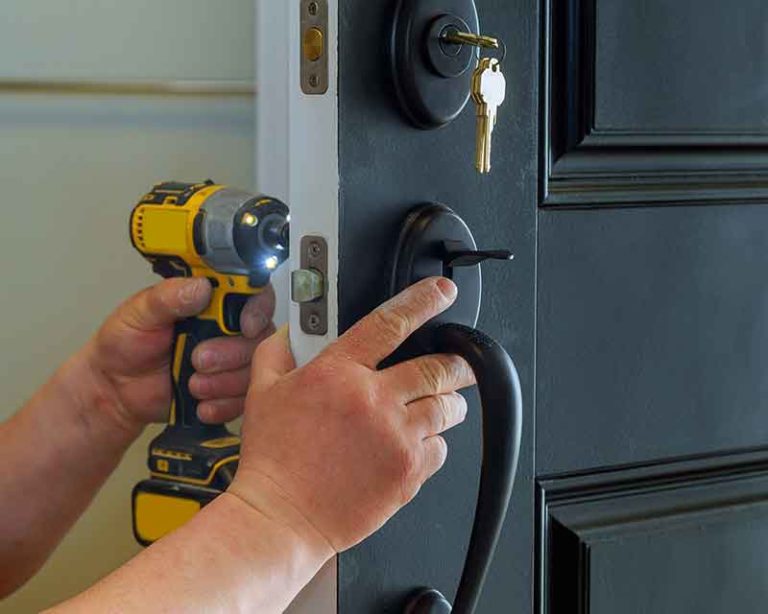
Keys are familiar and don’t require employees to remember a code or use an app. They may be practical where few people need access and the arrangement changes infrequently.
The management question is what happens when you cannot account for a key. Keep an issue-and-return record and ask a locksmith about appropriate options when a key is lost or not returned. Do not assume you can disable an ordinary mechanical key electronically or know who used it from a door-access report.
What a keypad changes
A keypad can reduce the need to distribute physical keys. However, a single shared code still needs a plan: who knows it, when it changes, and how staff receive the new code.
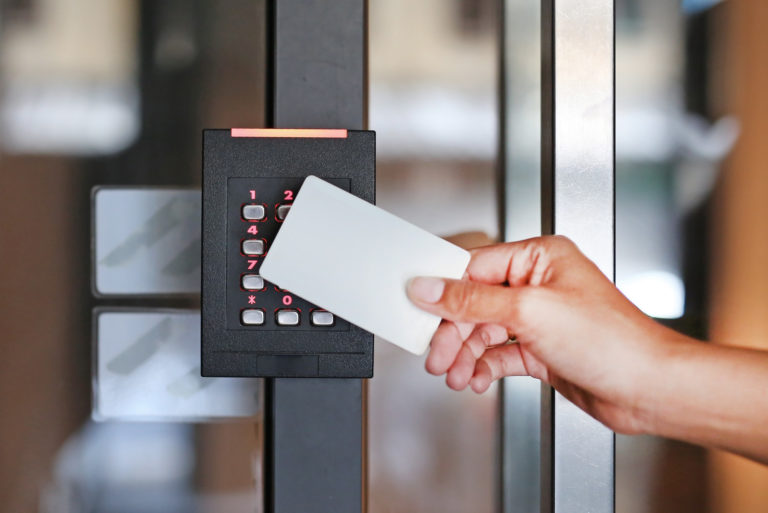
Some equipment supports separate user codes, schedules, or event records; other products do not. Ask to see the actual functions before purchasing. A record associated with a code shows use of that code, not proof that a particular person entered.
What cards and fobs can add
An electronic access system may allow an administrator to assign credentials to individuals and change their permissions. This can be useful for businesses with staff turnover or different access needs by door or time.
For example, Paxton’s Net2 software describes user access management and time-based permissions. That is an example of available capabilities, not a promise that every card reader or existing system offers them.
Ask how lost credentials are handled, who can make changes, and when updates reach each door. A card can still be lent or used by someone else, so credential management and staff habits both matter.
Compare the complete door arrangement
- Door and hardware: What can be retained, and what needs repair or replacement?
- Permissions: Who needs which doors and at what times?
- Administration: Who adds users, removes access, and reviews settings?
- Outages: How will the door operate when power or communications are unavailable?
- Records: What events are recorded, who can view them, and how long are they kept?
- Support: What ongoing service, software, or other obligations apply?
Have qualified professionals review the proposed locking arrangement and required emergency exit behavior. Do not change a fire door or exit arrangement based only on a product comparison.
Is door access the same as alarm access?
No. Permission to unlock a door does not automatically include permission to disarm an alarm. Systems may work together when supported and configured, but you should confirm the sequence. An employee should know what to do on arrival and how to report a problem without borrowing someone else’s credential.
Do you need to replace every lock?
Not necessarily. A review can establish which doors need electronic management and where mechanical hardware still fits. An office in a shared Northeast Florida building may also need landlord coordination. Start with a door list and access needs rather than an assumption that every entrance needs the same equipment.
For a broader review of alarms, cameras, and daily procedures, use our small business security checklist.
Choose access you can manage consistently
VKA Security provides locksmith services and commercial security solutions. We can discuss your existing doors, staff needs, and practical options. Schedule Your Free Security Review or call (904) 824-5003.