A small business security review should follow the working day: who opens, how customers and deliveries enter, who can reach restricted areas, and what happens after the last person leaves. That is more useful than starting with a standard equipment package.
What should a small business security checklist include?
Review entry points, keys and electronic access, alarm coverage, camera views and recordings, monitoring contacts, opening and closing procedures, and maintenance. Assign responsibility for each item. Include a separate review of fire and life-safety obligations with qualified professionals; a security checklist cannot establish code compliance.
1. Walk the building as it is used today
List the doors, service entrances, shared corridors, and delivery routes your staff uses. Identify where visitors should go and which areas should remain limited to authorized staff. A St. Augustine storefront with rear deliveries has different needs from an office in a shared building.
Check doors that fail to latch, damaged hardware, and lighting that no longer works. Discuss repairs with the landlord where appropriate. Any change to locking hardware needs to preserve required emergency exit operation.
2. Account for keys, codes, and credentials
Record who has each key or credential and who approves access changes. Include cleaners, contractors, and temporary workers. When someone leaves, make access removal part of the same process as returning company property.
A shared code may be convenient, but it cannot reliably identify which person used it. If you need individual permissions or access records, ask which options your equipment supports. Keep this access inventory private and available only to the people responsible for it.
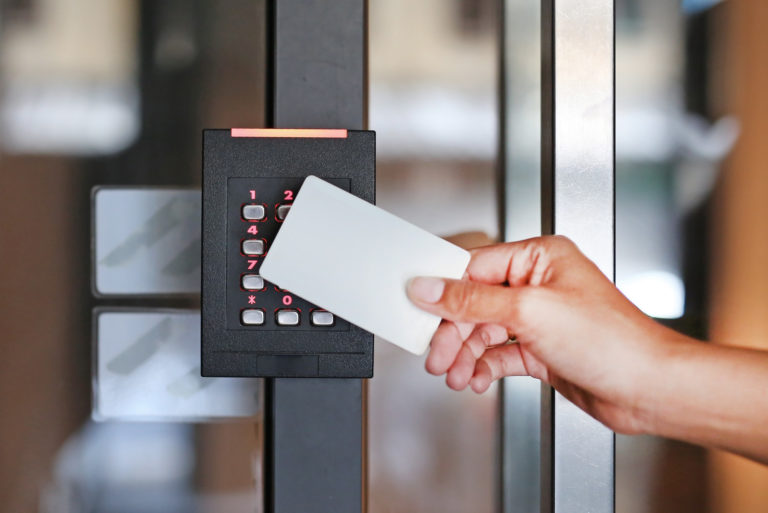
Our guide to keys, keypads, and access cards explains the choices in more detail.
3. Check alarm coverage and response expectations
Ask what events the alarm is configured to detect and which signals the monitoring plan covers. Confirm the address, contact order, and who can answer a call after hours. Choose backup contacts who understand their responsibilities.
Our monitoring comparison explains why a phone notification and monitoring-center involvement are different. Neither guarantees emergency dispatch or a particular arrival time. Review procedures with your provider before relying on assumptions.
4. Review recordings from real activity
Look at footage of normal customer arrivals, deliveries, and closing. Can you see the activity you intended to capture? Can the authorized manager find and export a recording when needed? Ask about retention, permissions, and storage rather than assuming footage stays available indefinitely.
A camera directed at a bright doorway may need a different view or lighting arrangement. Keep coverage focused on legitimate business needs and review privacy, employee-notice, and audio requirements before deployment.
5. Write a closing routine staff can follow
- Identify who checks designated entry points and secures restricted areas.
- Set a clear process for arming the alarm and handling a trouble message.
- Confirm who handles a late delivery or employee returning after hours.
- Provide a verified contact for service questions.
- Explain what staff should do if they find signs of a break-in, prioritizing personal safety.
Test the routine during ordinary operations. If staff regularly struggle with a step, investigate the cause rather than assuming another reminder will fix it.
6. Plan maintenance and review changes
Schedule checks with your provider and revisit the plan after renovations, staff changes, new hours, or a change in how space is used. Arrange alarm tests in advance so they are coordinated with the monitoring center. See our maintenance services for help with system upkeep.
Does every business need the same security system?
No. The layout, operations, access needs, existing equipment, and response arrangements should shape the design. A useful proposal explains how each part addresses a need you have identified.
Review your business with a local team
VKA Security has served St. Augustine since 1973. Our commercial security services can help you plan around your building and workflow. For fire-system questions, discuss the applicable scope with our fire alarm team. Schedule Your Free Security Review or call (904) 824-5003.